

What is Keyhouse?
What do we do if we cannot ensure a database that is almost always live? Well, host your database as a GitHub repository ;) That’s what we did, and it has worked very well. The first thing to look at should be the structure of Keyhouse.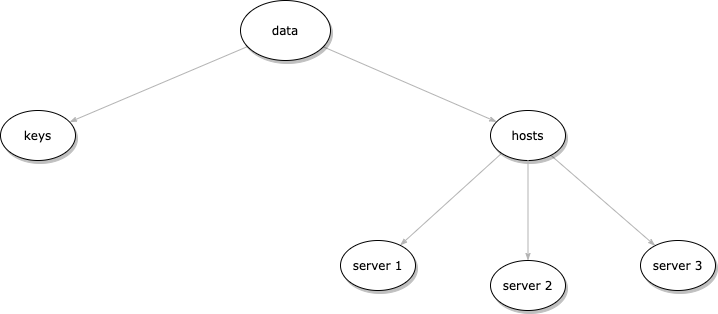
keys contains the SSH keys of all members, and the hosts folder contains a file for each member listing the servers and groups they can access.
Let’s have a look at Keyhouse.
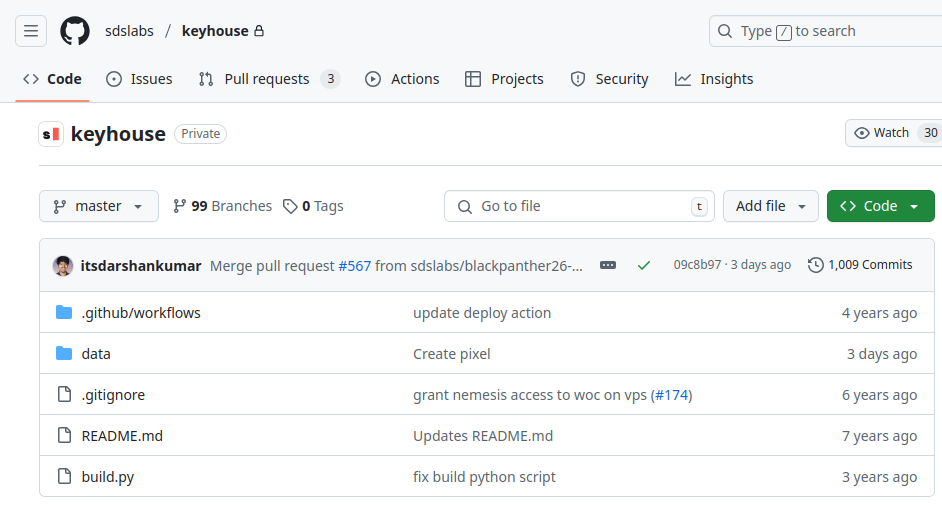
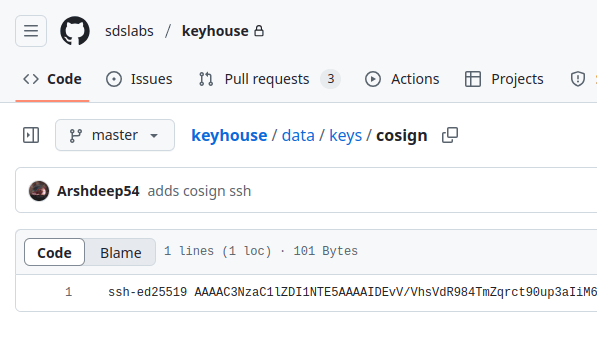
data/keys/<name>. Make sure the name you choose doesn’t collide with someone else’s.
study in the server called ratchet, we edit our own file data/hosts/<name> (the same <name> as our key file) to add the line ratchet|study at the bottom, open a pull request
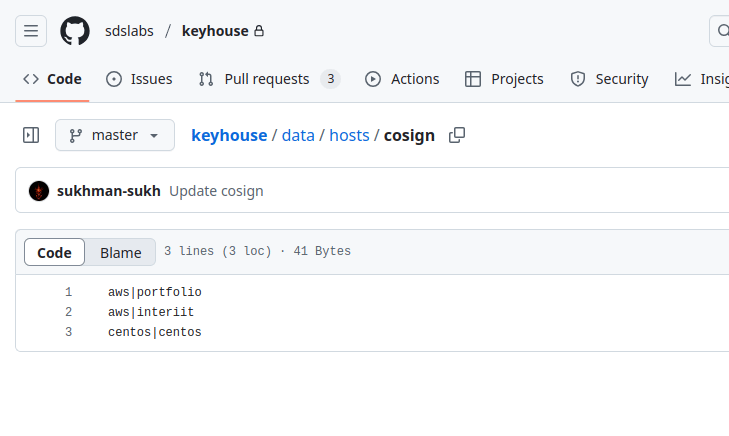
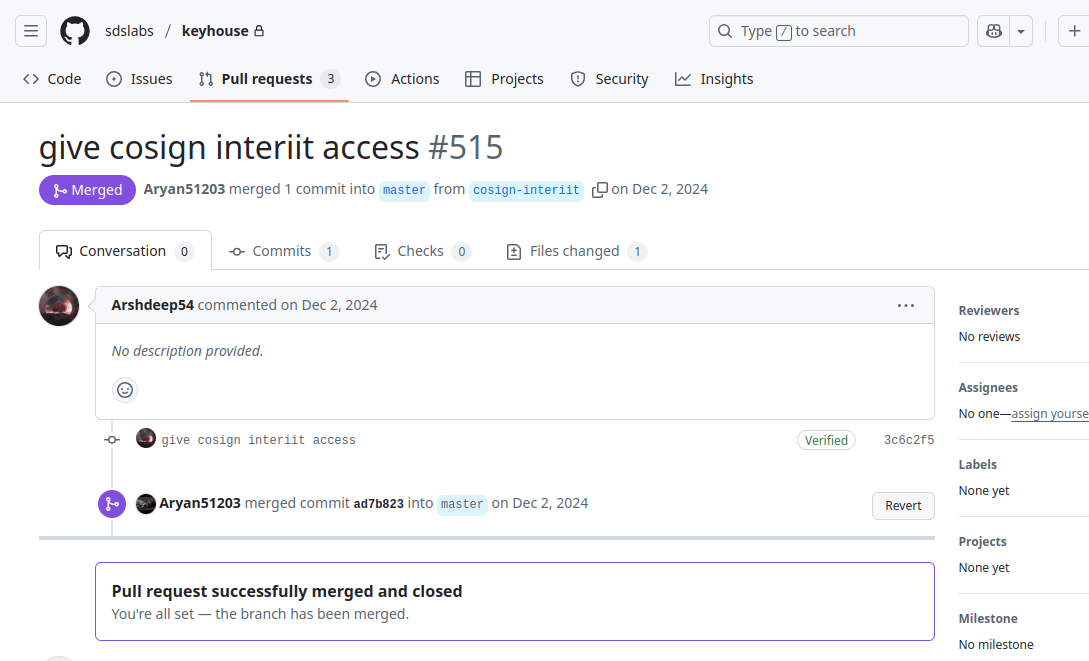
study on server ratchet (no, not really, we won’t give you access to our ratchet).
How does Watchdog sync with Keyhouse?
Watchdog pulls changes from Keyhouse itself, so there’s no separate webhook server to run or expose. The sync logic lives in thewatchdog_utils_II crate, which Watchdog depends on directly.
What Watchdog reads
When your pull request is merged, Keyhouse’s build workflow turns thedata/ folder into an API tree on the build branch. That branch, not data/, is what Watchdog reads:
<user-hash> is the SHA-256 of the member’s SSH key. Your ratchet|study line from above becomes access/ratchet/study/<your-hash>.
Incremental sync (watchdog update)
Watchdog can be triggered by CI, cron, or an SSH login; see Setup. Whichever way it’s triggered, the sync runs the same steps:
1
Read the last synced commit
Watchdog stores the last commit it synced in
/opt/watchdog/bin/base_commit.txt.2
Fetch the diff
It fetches the latest commit on the
build branch and asks GitHub for the diff since the last synced commit.3
Filter for this server
It keeps changes under
access/<server>/... where <server> matches this server’s hostname, plus names/ changes.4
Apply the changes
It creates users as needed, adds or removes them from Unix groups, and deletes a user once they have no groups left on this server.
5
Save the new commit
It writes the new commit hash to
base_commit.txt, so the next sync only looks at what changed since.Groups must already exist on the server; Watchdog doesn’t create them. The
sudo group is mapped to the server’s sudo or wheel group.Full sync (watchdog update --all)
A full sync skips the diff. It downloads the entire build tree into a local cache, reconciles every user and group on the server against it, and records the latest commit in base_commit.txt. Run it once on a fresh install, and any time you want to resync from scratch.